
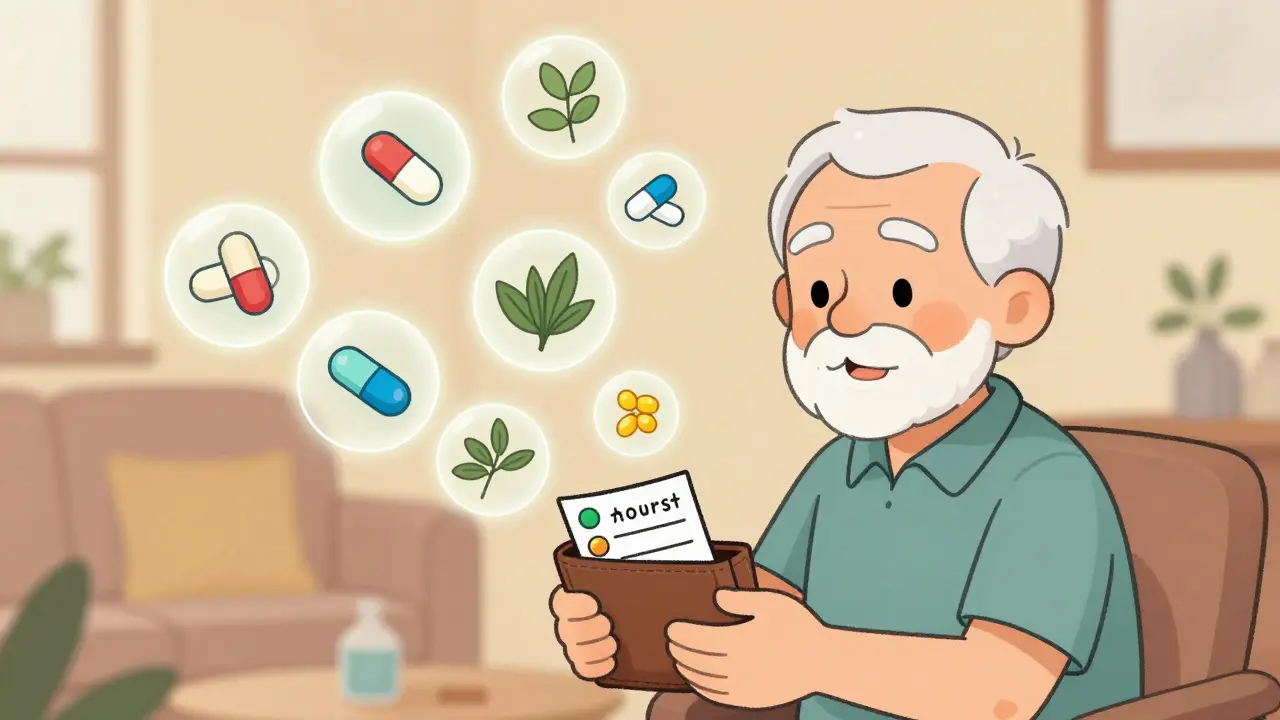
When seconds count, a simple piece of paper or a locked phone screen can mean the difference between life and death. Imagine being rushed to the hospital after a fall, unconscious, unable to tell doctors what medications you’re taking. Without a clear list, paramedics might give you a drug that reacts badly with your blood thinner. Or worse - they might miss a critical one entirely. This isn’t a hypothetical scenario. It happens every day. And the fix? A well-made medication list.
Why Your Medication List Matters More Than You Think
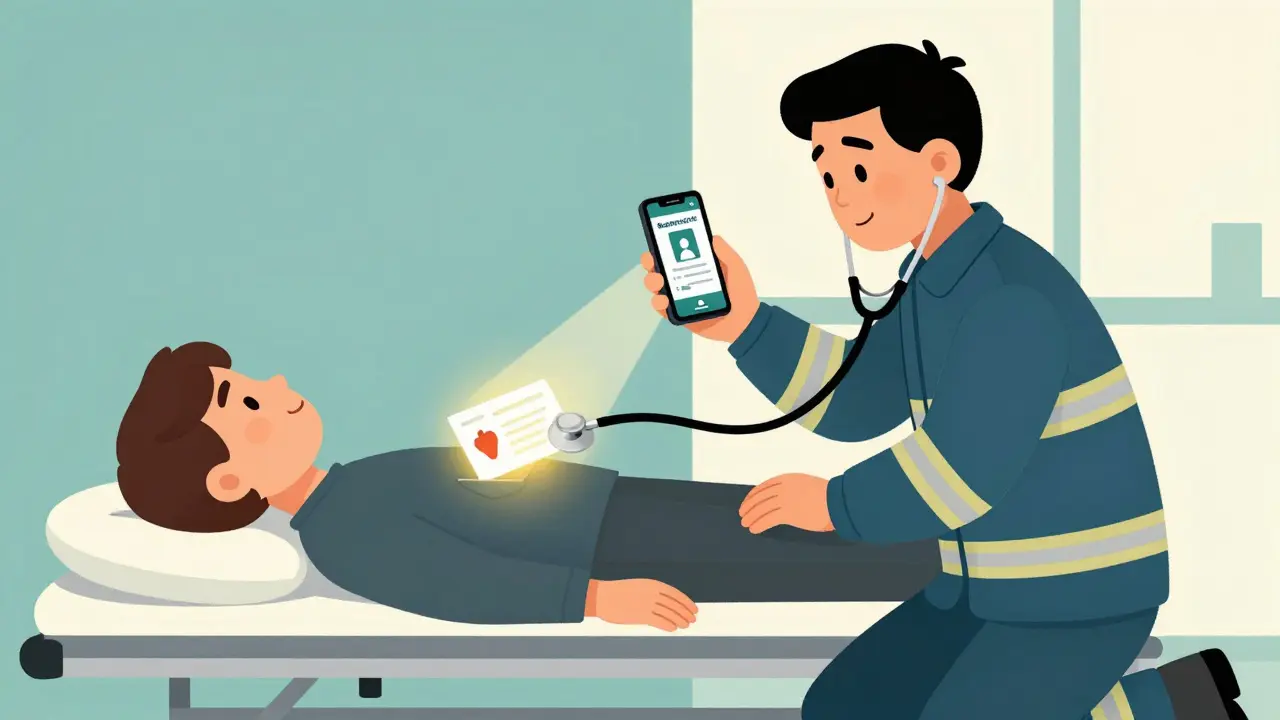
Over 66% of adults in the U.S. take at least one prescription drug. Nearly half take two or more. For people over 65, that number jumps to 89%. With so many medications flying around, mistakes are easy. A 2006 report from the Institute of Medicine found that medication errors cause 7,000 deaths each year in the U.S. alone. Many of those deaths could have been avoided with a clear, updated list.
Emergency rooms don’t have time to guess. They need to act fast. A 2019 study in the Journal of Emergency Medicine showed that having a medication list on hand cuts down emergency evaluation time by 15 to 20 minutes. That’s time you don’t waste waiting for tests or calling your doctor. That’s time spent getting the right treatment.
It’s not just about prescriptions. Vitamins, supplements, herbal teas, even over-the-counter painkillers like ibuprofen or aspirin can interact dangerously with other drugs. A single forgotten item - say, a daily fish oil pill - could trigger bleeding if you’re on blood thinners. That’s why your list must include everything you take, no matter how harmless it seems.
What to Put on Your Emergency Medication List
Don’t just write down drug names. You need details. A vague entry like “blood pressure medicine” won’t help anyone. Here’s exactly what to include for each medication:
- Generic name (e.g., lisinopril) and brand name (e.g., Zestril)
- Strength (e.g., 10 mg)
- Dosage form (pill, liquid, injection, patch)
- How to take it (e.g., “Take one tablet by mouth every morning with food”)
- Purpose (e.g., “For high blood pressure”)
- When you started (helps doctors track changes)
For liquid medications, include the concentration (e.g., “5 mg/mL”) and the exact dose in milliliters. If you’re giving this to a child, write down their weight in kilograms - it’s critical for accurate dosing.
Don’t forget non-prescription items:
- Vitamins (especially vitamin K, which affects blood thinners)
- Supplements (like magnesium, calcium, or melatonin)
- Herbal products (ginkgo, garlic, St. John’s wort - they all interact with drugs)
- Over-the-counter pain relievers and cold medicines
Also list:
- Any known allergies - not just “penicillin,” but exactly what happened (e.g., “rash, swelling, trouble breathing”)
- Any serious medical conditions (diabetes, kidney disease, heart failure)
- Any treatments you’ve refused (e.g., “Do not resuscitate” or “No blood transfusions”)
- Emergency contacts - name, relationship, phone number
- Blood type (if you know it)
Paper vs. Digital: Which One Works Best?
You’ve got options. But not all are equal.
Paper cards are simple. You can keep one in your wallet, purse, or taped to the inside of your medicine cabinet. The CDC recommends using a pencil - that way, you can easily erase and update it. No batteries. No Wi-Fi. No tech problems. A 2021 study found that paper cards were found in 78% of emergency cases where they were present - but here’s the catch: only 18% of patients actually had one on them.
Digital solutions like Apple’s Medical ID or Android’s Emergency Information feature are powerful. You can set them up to show even when your phone is locked. First responders know to look for the “Emergency” button on the lock screen. In 2023, Apple added vaccine records and organ donor status. Google’s Android 14 lets you display info in multiple languages - helpful if you or your family speak another language.
But here’s the problem: if your phone is dead, broken, or left at home, your digital list is useless. And while 92% of adults own a smartphone, only 28% had their Medical ID set up in 2022. That’s a huge gap.
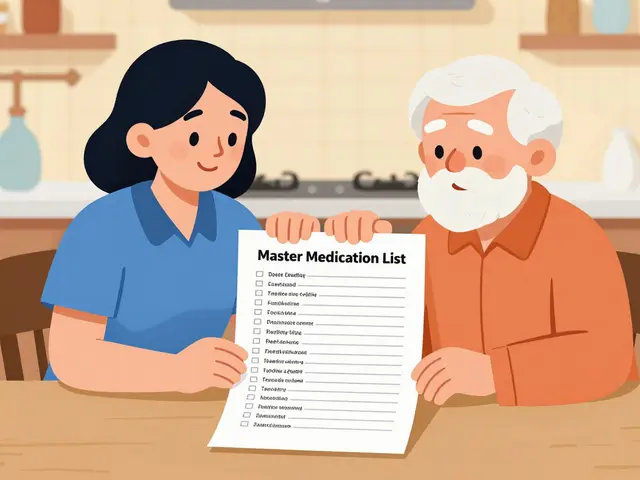
Best practice? Use both. Keep a paper card in your wallet. Set up your phone’s emergency profile. That way, you cover both bases.
How to Build Your List (Step-by-Step)
Start with what you have. Don’t try to remember everything. Gather your meds.
- Collect everything - prescription bottles, supplement containers, OTC boxes. Even the ones you haven’t taken in months.
- Write down each one using the format above. Be specific. Don’t say “vitamin D.” Say “Vitamin D3 2000 IU daily.”
- Check for duplicates - sometimes doctors prescribe the same drug under different names. Make sure you’re not doubling up.
- Review with your pharmacist - they can spot errors, interactions, or outdated meds. Ask: “Is everything I’m taking still necessary?”
- Print or write it clearly - use large font if you’re printing. If handwriting, make sure it’s legible.
- Share it - give copies to your primary doctor, a family member, and your emergency contact. Tell them where you keep it.
Setting this up takes 15 to 20 minutes. Updating it? Two minutes. Do it every time you get a new prescription, stop a medication, or start a new supplement.
Why People Don’t Do It - And How to Beat the Excuses
A 2022 FDA survey found only 38% of adults keep an updated list. Why? Three big reasons:
- “I forget to update it.” - 67% of people said this. Solution: Tie it to your routine. Update it every time you refill a prescription or visit your doctor.
- “I don’t know what to include.” - 42% were confused. Use the CDC or FDA templates. They’re free, clear, and trusted.
- “I’m worried about privacy.” - 29% feared digital leaks. But here’s the truth: your phone’s Medical ID is locked. Only emergency responders can access it. And paper? It’s yours. No one else sees it unless you show it.
Real-world proof? Nurse practitioner Sarah Chen shared a case where a wallet card saved a patient’s life. The man was on warfarin. The ER team almost gave him an antibiotic that causes dangerous bleeding. But the card said “warfarin 5mg daily.” They changed course. He walked out two days later.
Conversely, a woman’s outdated list led to a 36-hour hospital stay because her insulin dose was wrong. Her daughter didn’t know she’d switched brands. A simple update could’ve prevented it.
What’s Next? The Future of Emergency Medical Info
By 2027, over 65% of U.S. adults are expected to use smartphone medical IDs. But paper won’t disappear. Many older adults, or those without smartphones, will still rely on cards. That’s why hospitals now encourage both.
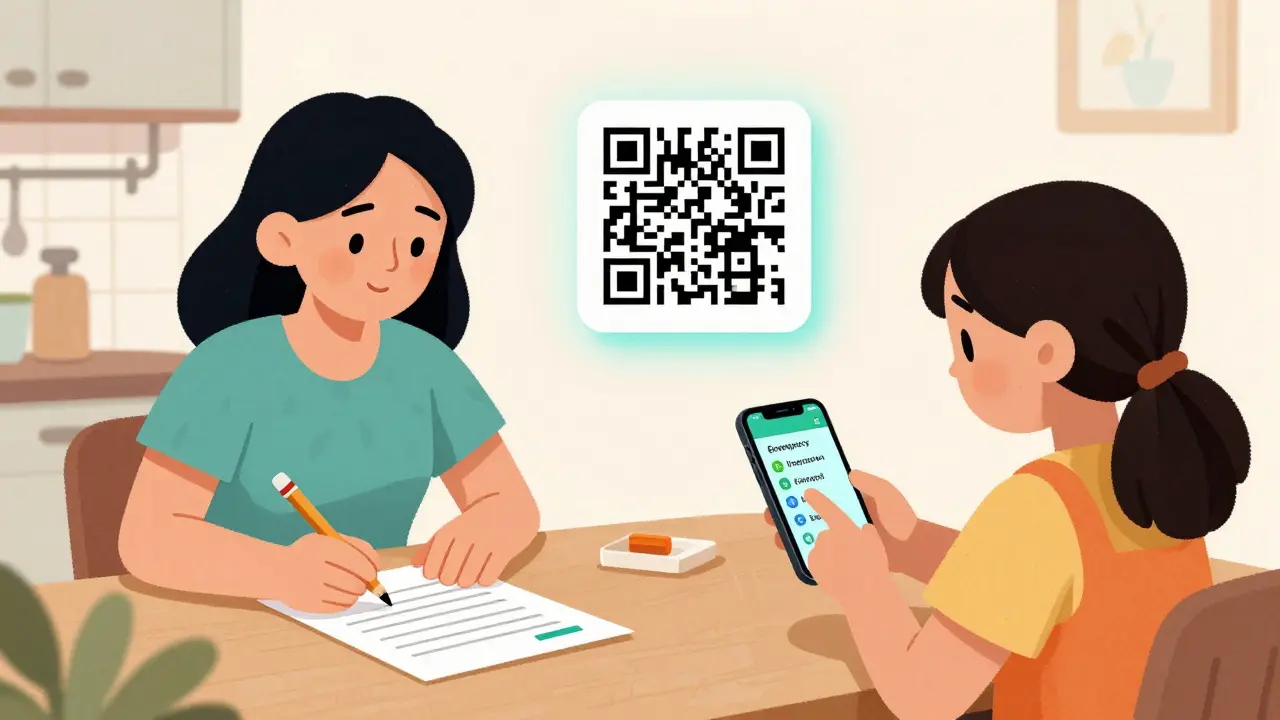
Some clinics are even adding QR codes to paper cards. Scan it, and you pull up your full electronic health record. It’s the best of both worlds: physical backup with digital depth.
The FDA’s new “Digital Health Pass” initiative, launching in 2025, aims to make all medical lists work across apps and hospitals. But until then, your list is your lifeline.
Final Checklist: Your Emergency Medication Card
Before you leave this page, ask yourself:
- Do I have a current list? (Not one from last year.)
- Does it include ALL medications - prescriptions, OTC, vitamins, herbs?
- Is the dosage, frequency, and purpose written clearly?
- Do I have allergies, conditions, and emergency contacts listed?
- Is my phone set up with Medical ID? (iPhone: Settings > Health > Medical ID. Android: Settings > Security > Emergency information.)
- Have I given a copy to someone I trust?
If you answered “no” to any of these - fix it today. Not tomorrow. Today.
Do I need to list vitamins and supplements on my emergency card?
Yes. Vitamins, herbal supplements, and over-the-counter products can interact with prescription drugs. For example, St. John’s Wort can reduce the effectiveness of blood thinners, and high-dose vitamin K can counteract warfarin. If you take anything regularly - even once a week - include it. Your pharmacist can help you identify which ones matter most.
Can I use a note on my phone instead of a formal list?
It’s better than nothing, but not ideal. Emergency responders are trained to look for the Medical ID feature on locked screens - not random notes. If your list is buried in a notes app, they might miss it. Use the official Medical ID function on iPhone or Android. It’s designed for this exact purpose and appears with one tap on the lock screen.
How often should I update my medication list?
Update it every time you start, stop, or change a medication - even if it’s just a dosage change. Many experts recommend reviewing it at every doctor or pharmacy visit. If you take five or more medications, set a monthly reminder on your phone. Outdated lists are dangerous. A 2020 study showed patients with updated lists had 37% fewer medication errors during hospital admission.
What if I don’t have a printer? Can I handwrite it?
Absolutely. The CDC recommends using pencil on a small card or index card so you can easily update it. You can buy pre-made wallet cards online for under $5, or just write it on a piece of paper and slip it into your wallet. Legibility matters - use large, clear handwriting. If you’re unsure, ask your pharmacist to help you write it out.
Should I give my emergency card to my family?
Yes. Not just once - keep giving them copies. Make sure at least one person knows where you keep your card and how to access your phone’s Medical ID. In an emergency, they might be the ones who need to hand it to paramedics or explain your history. The FDA says family members are often the first source of accurate medication info when the patient can’t speak.



10 Comments
Look, I get it-medication lists sound boring until you’re the one lying in the ER with a half-dead phone and no one knowing you’re on warfarin. But here’s the thing: I used to think I didn’t need one. Then my mom had a stroke, and the nurses had to call my brother in another state just to figure out if she was still taking that damn statin. We found the list taped to her fridge. It was handwritten, smudged, and three years old. Still saved her life. So yeah. Do it. Not because it’s ‘responsible.’ Do it because you love the people who’ll have to scream your name at a hospital desk while you’re unconscious.
My grandma’s card is on a laminated index card in her purse. She writes over it with pencil every time she gets a new med. She says, ‘If it’s not written down, it’s not real.’ I used to roll my eyes. Now I copy her. I keep one in my wallet, one on my fridge, and one in my car. My husband thinks I’m crazy. I say: wait till you’re the one who forgot your phone and your pills and your life’s in the hands of someone who thinks ‘blood pressure med’ means ‘whatever’s in that blue bottle.’
Okay, but let’s be real-how many people actually carry this thing? I’ve seen people with 12 prescriptions, 7 supplements, and a jar of turmeric powder in their glovebox, and zero documentation. I’m not judging-I’m just saying, if you don’t have a physical copy, you’re basically gambling with your life. And no, ‘I have it in my Apple Health’ doesn’t count if your phone died during your car crash. I’ve been in the ER. They don’t care about your iCloud. They care about the paper in your pocket. Bring the damn card.
It’s not just about the list-it’s about the ritual. The act of sitting down, gathering bottles, writing things out… it forces you to confront your own dependency on chemicals, on pills, on systems you don’t understand. I did it last month. Found three things I hadn’t taken in two years. One was a sleeping pill I’d been taking because I was too scared to admit I was depressed. The list didn’t just save me from an ER mistake-it saved me from myself. It’s not a medical tool. It’s a mirror. And mirrors are hard to look into. But you should. Every. Single. Time.
I used to think this was overkill. Then my sister’s boyfriend got hit by a car. He had no ID, no phone, no list. They gave him morphine. He was on methadone. They didn’t know. He coded. They brought him back. He’s fine now. But it took 47 minutes longer than it should’ve. I made my whole family do this. Even my 17-year-old nephew. He has a list for his ADHD meds and his omega-3s. It’s weird. It’s awkward. It’s necessary. Stop being lazy. You’re not too busy to live.
Let’s be honest: this whole ‘emergency card’ thing is a Band-Aid on a broken system. Why should I be responsible for documenting my own medical history when the government can’t even make electronic records interoperable? I pay taxes. I have insurance. I follow the rules. And now I’m supposed to carry a laminated index card like I’m a 1950s housewife? This isn’t empowerment-it’s systemic failure disguised as self-help.
just wanted to say i did this last week and it took 10 mins. i had no idea i was double-dosing on vitamin d and magnesium. my pharmacist caught it. she was like ‘oh wow, you’re basically making your own kidney stones.’ i almost cried. i had no idea. now i have a card. i keep it in my wallet. i told my mom. she cried. i think she finally gets it. thank you for this post.
They’re coming for your meds. They’re coming for your pills. They’re coming for your vitamins. They’re coming for your fish oil. They’re coming for your melatonin. They’re coming for your magnesium. They’re coming for your insulin. They’re coming for your warfarin. They’re coming for your thyroid med. They’re coming for your Zoloft. They’re coming for your Adderall. They’re coming for your blood pressure med. They’re coming for your painkillers. They’re coming for your supplements. They’re coming for your list. They’re coming for your paper. They’re coming for your phone. They’re coming for your QR code. They’re coming for your pharmacist. They’re coming for your doctor. They’re coming for your family. They’re coming for your life. They’re coming. They’re coming. They’re coming. And when they do, you’ll be ready. Because you have a card. And they can’t take that. They can’t take that. They can’t take that.
this is why america is dying. people are so soft they need a laminated card to not die. we used to have common sense. now we need apps and qr codes and emergency contacts and family members to hold our hands while we breathe. the system is broken because we stopped being responsible adults. stop outsourcing your survival to a piece of paper. be aware. be present. be alive. not just a data point in a wallet.
Okay, I get it. The card is important. But let’s talk about the real issue: why are we still using paper in 2025? My 82-year-old aunt has a card. It’s in her purse. She lost it twice. She’s blind in one eye. She can’t read her own handwriting. Her son had to rewrite it. Meanwhile, I have a digital ID with my whole medical history, my blood type, my allergies, my emergency contacts, and even my DNR status-visible from the lock screen, in three languages. And my phone has a 98% battery life. So… why are we still doing this? Is it nostalgia? Is it fear of tech? Or is it just that we’re too lazy to set up a 2-minute feature? I’m not saying ditch the paper. I’m saying: if you’re not using the phone feature, you’re doing it wrong.